

powered by jobtread
Your Project, Visible From Start to Finish
Client Portal
one place to track your project
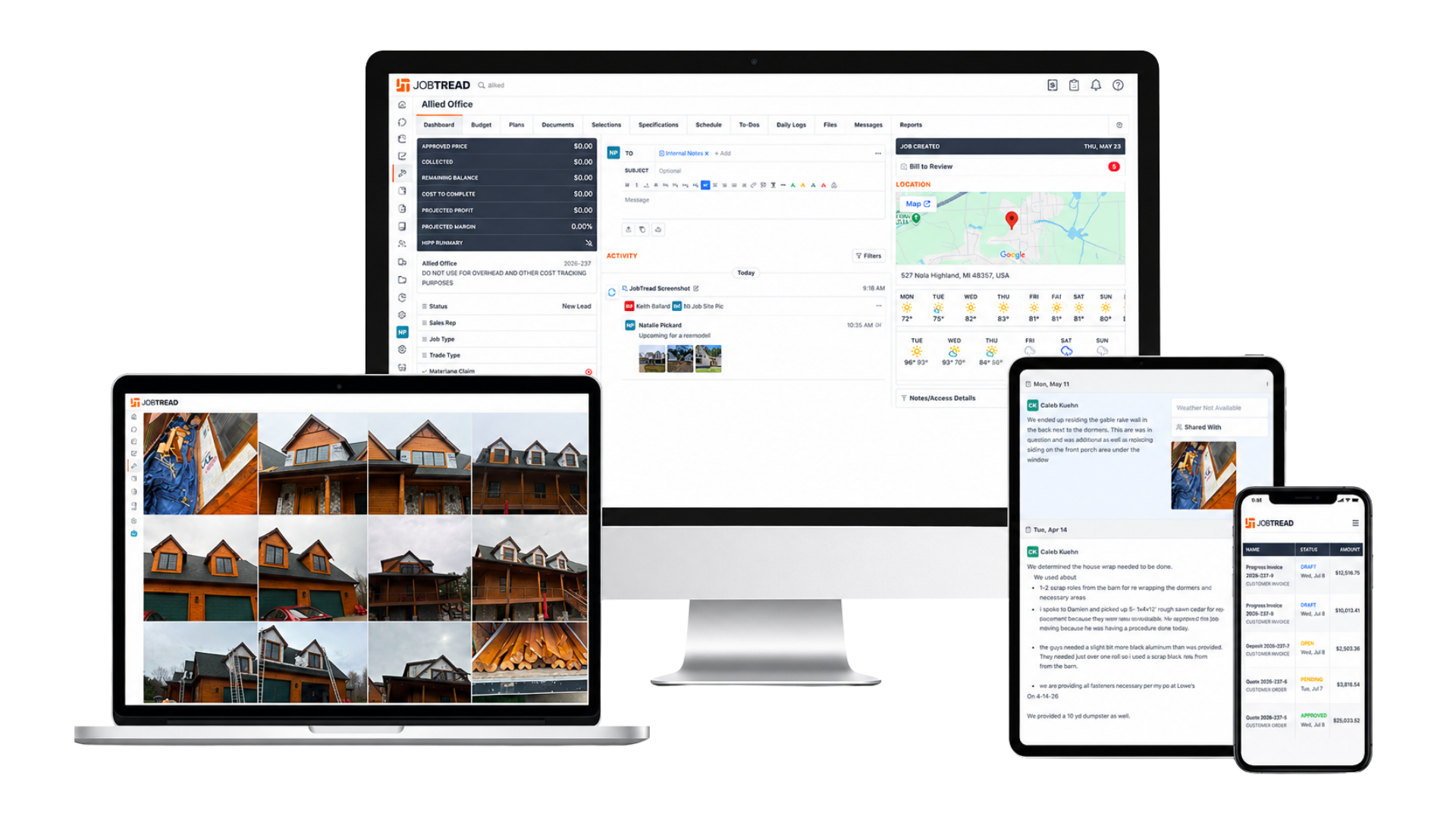
To keep every project organized and easy to follow, Allied uses JobTread a client portal that gives you one place to check on progress, review documents, and hear from our team, from the day we break ground to the final walkthrough. There's nothing to install and no account to figure out. We'll set it up for you and walk you through it so you always know what's happening and what's next.
See Every Update, Right From Your Phone
What We Can Do
YOUR PROJECT PORTAL
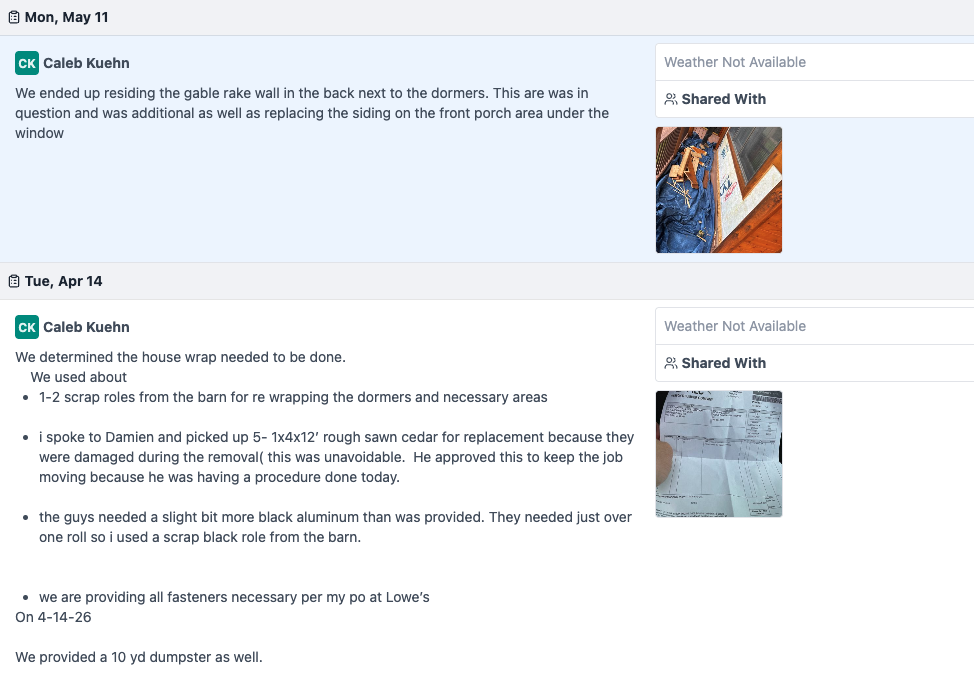
Daily Job Site Logs
Every day our crew is on-site, we post a quick update: what got done, any notes worth flagging, and photos from that day's work, so you're never left wondering how things are going.
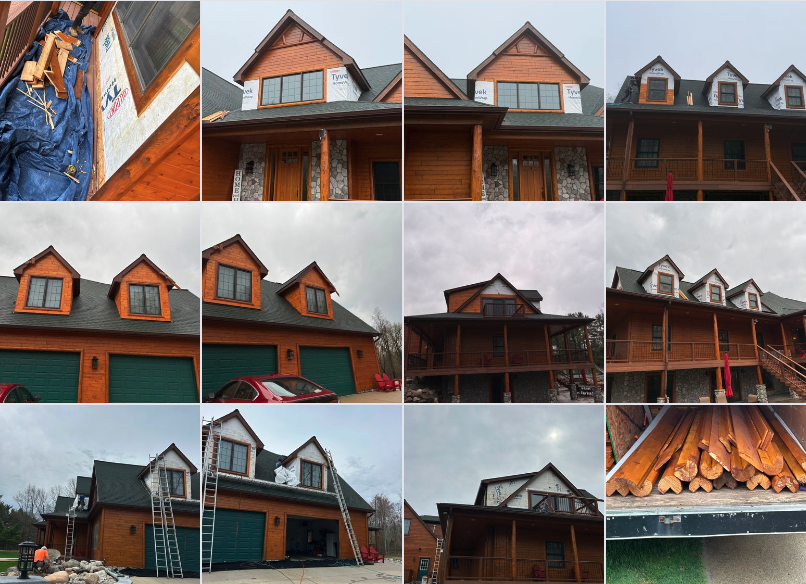
Progress Photos
Watch your siding, roof, or deck come together in photos, organized by stage and easy to scroll through from tear-off and prep all the way to the finished project.
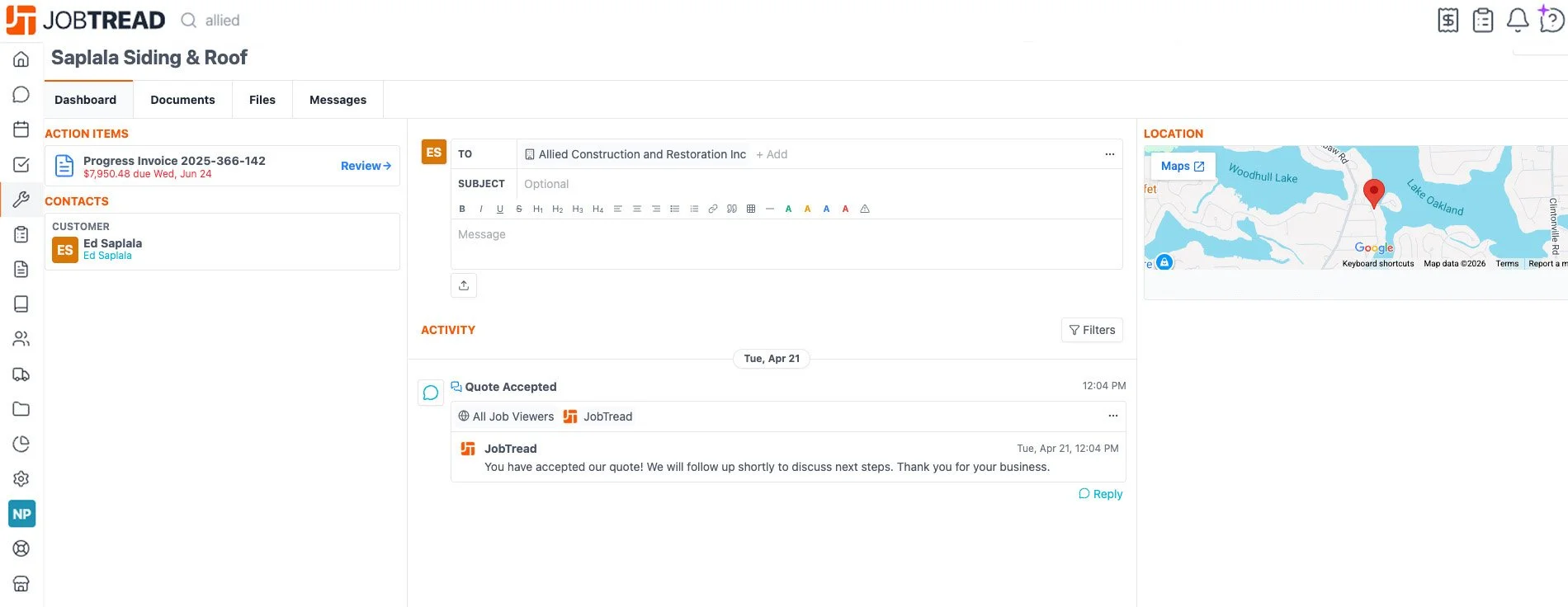
Review & Approve With One Click
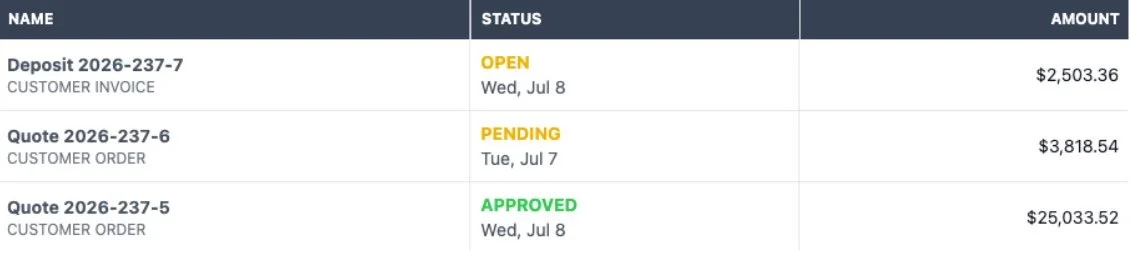
Proposals, change orders, and approvals all happen right in your portal. Review the details and sign off digitally no printing, no scanning, no chasing down paperwork.
Invoices & Payments in One Place
View invoices as they're issued and make payments securely through your portal, with a clear record of what's been billed and what's been paid.
Still Have Questions About Getting Started?
Every project comes with its own questions along the way. Whether you're wondering how to read your daily logs, need help approving a proposal, or just want a quick walkthrough of your portal, our team is here for it.